Tutorial
+34 123 456 789
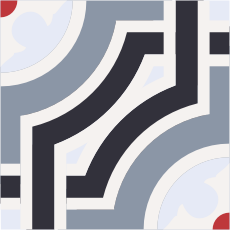
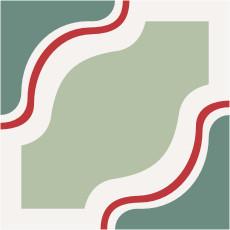
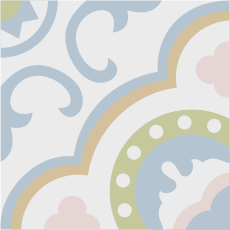
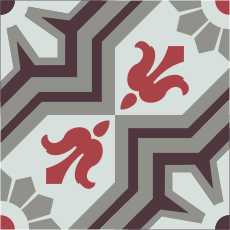
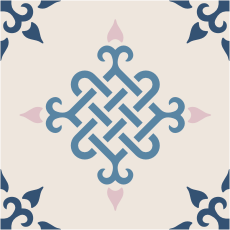
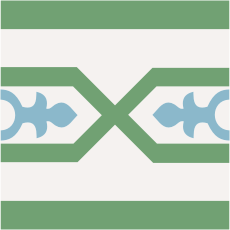
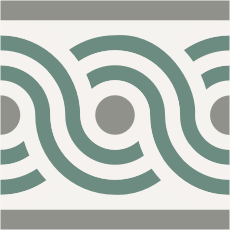
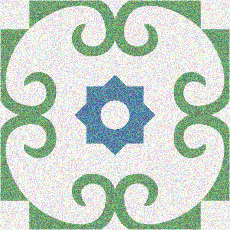
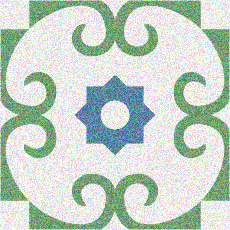
Select form and model of the tile to create your own design.
Select colour to customize the chosen tile. Click on the area you want to colour.
The chosen colour code is
Colours selected will automatically be filled in the simulator. Once you have finished designing your floor, you can check the results by selecting Environments.
Without effect
Effect 1
Effect 2
Effect 3